GoGo
Une extension de navigateur qui permet de créer des raccourcis personnalisés vers ses sites favoris, directement depuis la barre d'adresse.

Chercher les liens lorsqu'on est en entreprise
Quand j’étais en stage à la Société Générale, j’ai découvert un outil interne appelé GO.
L'idée est assez simple : un système de raccourcis pour les applications du groupe.
Pour trouver les différents logiciels, il suffisait de taper go/jira, go/git ou go/mail, et on était immédiatement redirigé vers le bon service.
Ce n’est pas un outil compliqué, mais après quelques semaines, impossible de s’en passer.
Alors je me suis demandé si moi aussi je pouvais recoder ce genre de système ?
Pourquoi ça marchait chez eux ?
Leur outil fonctionnait grâce à un mécanisme tout bête, mais très malin : les serveurs DNS internes. En entreprise, le DNS (Domain Name System) est souvent géré par l'entreprise. C’est lui qui traduit les noms de domaine en adresses IP.
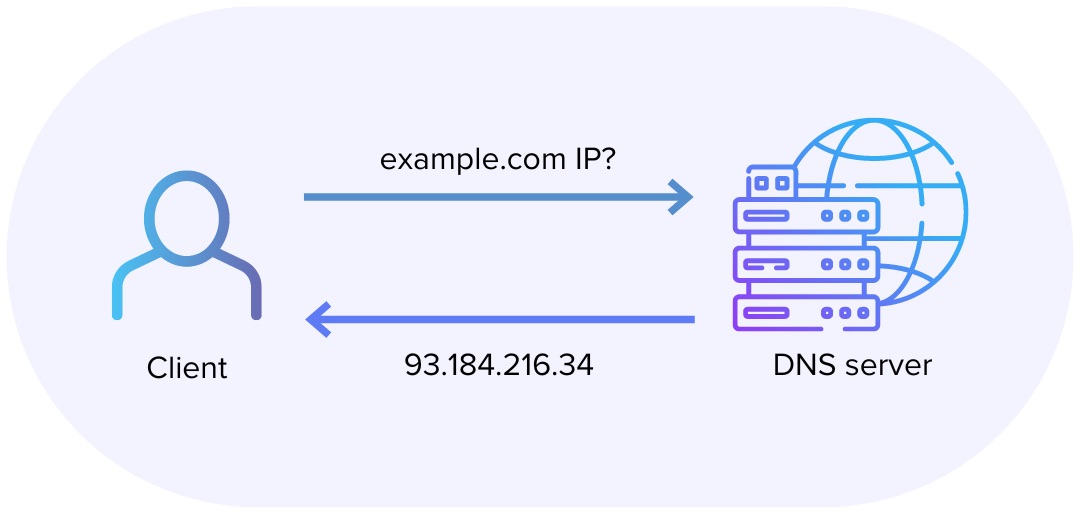
Par exemple google.com → 142.250.75.14.
Dans le cas de la Société Générale, ils avaient configuré un raccourci spécial :
quand quelqu’un tapait go/jira, le DNS interne comprenait que le préfixe go/ devait pointer vers un serveur interne, qui ensuite redirigeait l’utilisateur vers le bon outil (jira.sg, git.sg, etc.).
C’est simple, rapide, et surtout : ça marche sur tout le réseau de l’entreprise !
Un comportement déjà existant (mais caché)
Petite anecdote : Chrome, Edge et Firefox ont déjà un comportement un peu similaire.
Quand on tape un mot-clé comme docs dans la barre d’adresse, le navigateur tente d’abord de le résoudre comme une URL (http://docs/) avant de faire une recherche Google.
C’est cette logique-là que j’ai voulu exploiter : intercepter ce moment, comprendre ce que l’utilisateur tape (go gmail), et le rediriger vers le bon site.
Mais pour ça, il fallait un point d’entrée propre, portable, et simple à installer. Et c’est là que l’idée s’est imposée :
Créer une extension Chrome (et Firefox) qui reproduit ce comportement, sans serveur et sans DNS (et oui ça simplifie la vie quand même les extensions).
GoGo
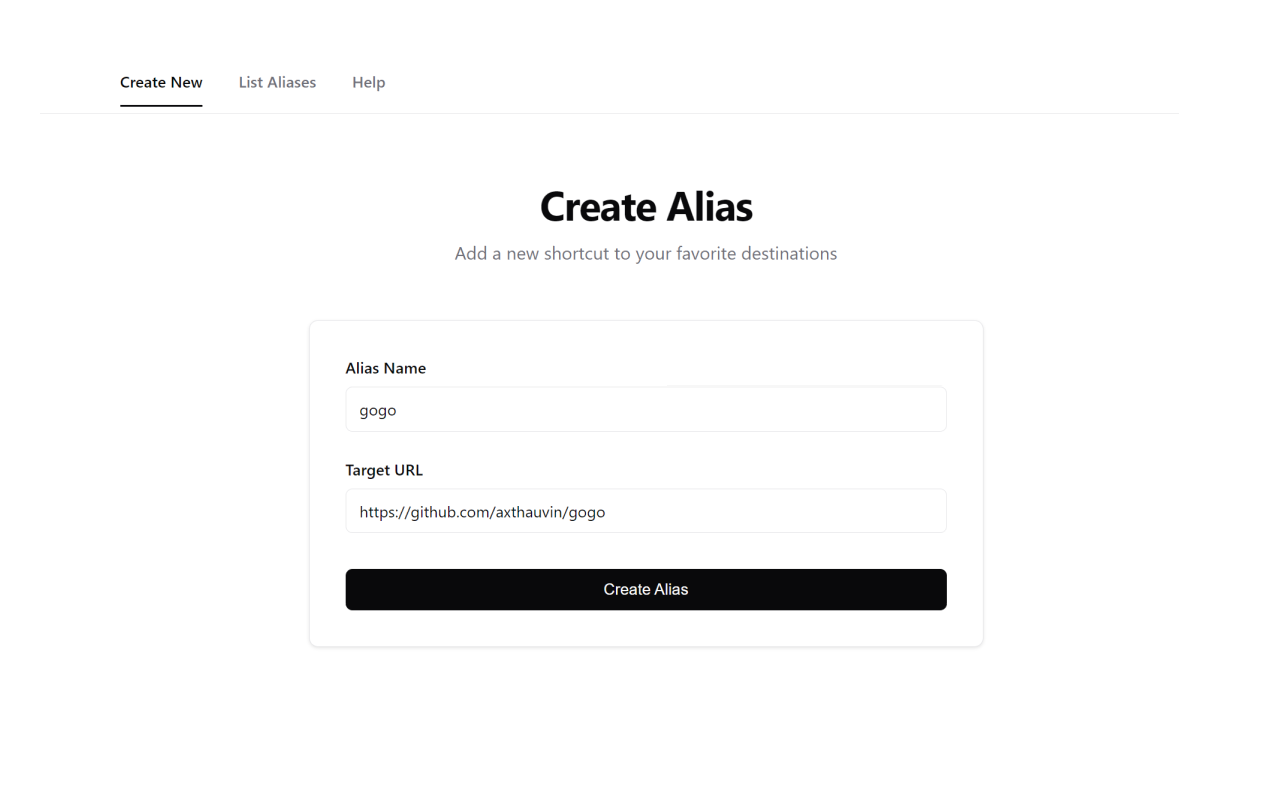
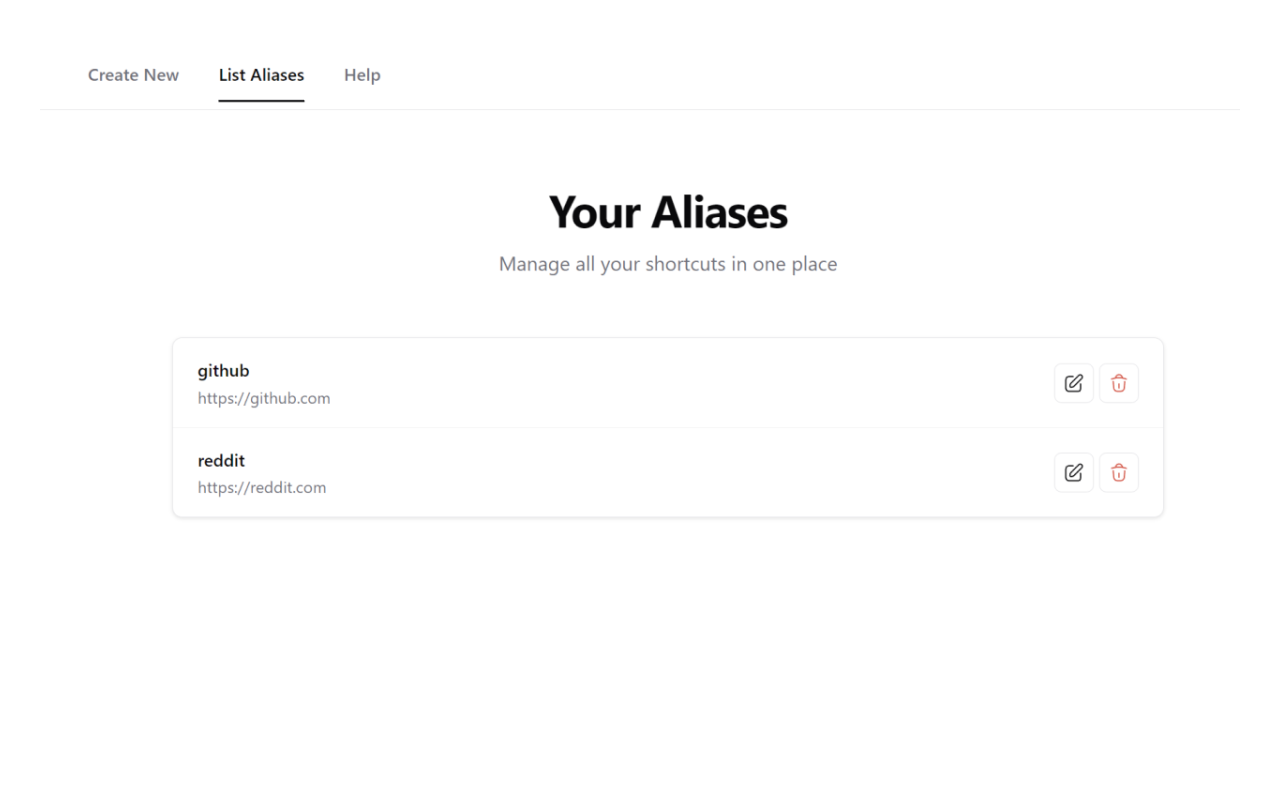
C’est ainsi qu’est né GoGo (je trouvais le nom drôle alors c'est resté comme ça) Une extension toute simple qui permet de créer ses propres raccourcis, directement dans un navigateur. Plus besoin de serveurs internes ni d’administrateur système.
go gmail→ ouvre Gmailgo yt→ YouTubego gh→ votre profil GitHub
Tech & Stack
Je voulais une extension légère, multinavigateur (Chrome et Firefox), et surtout sans backend. Voici les principaux choix techniques :
-
WebExtension API pour intercepter les requêtes de la barre d’adresse (
tabs,webNavigation) -
chrome.storage/browser.storagepour stocker localement les alias -
Un petit build script Node.js (
build.js) pour générer les deux distributions d’un coup :node build.js all
Pas de TypeScript pour le moment, je verrais si l'extension devient plus grosse si ça vaut le coup de migrer.
Fonctionnement de l’extension
L’extension définit un mot-clé réservé (go) dans la barre d’adresse.
Quand l’utilisateur tape go gmail :
- Le navigateur intercepte la requête via l’API
webNavigation. - L’extension extrait la partie
gmail. - Elle recherche si un alias
gmailest défini dans le stockage local. - Si oui, elle ouvre immédiatement l’URL correspondante dans l’onglet actuel.
browser.webNavigation.onBeforeNavigate.addListener((details) => {
  const input = extractAlias(details.url);
  if (aliases[input]) {
    browser.tabs.update(details.tabId, { url: aliases[input] });
  }
});
C’est littéralement tout.
Confidentialité
GoGo fonctionne entièrement hors ligne.
Les alias sont sauvegardés localement, grâce à l’API chrome.storage.local (pour Chrome) ou browser.storage.local (pour Firefox).
Pourquoi ce projet
J’aime me donner des petits défis, et voir si je peux recoder des petits outils qui peuvent servir au quotidien.
C’est aussi un clin d’œil à ce que j’ai découvert à la Société Générale : parfois, une bonne idée d’entreprise mérite juste d’être adaptée pour le grand public.